 02AI-generated hairstyle example
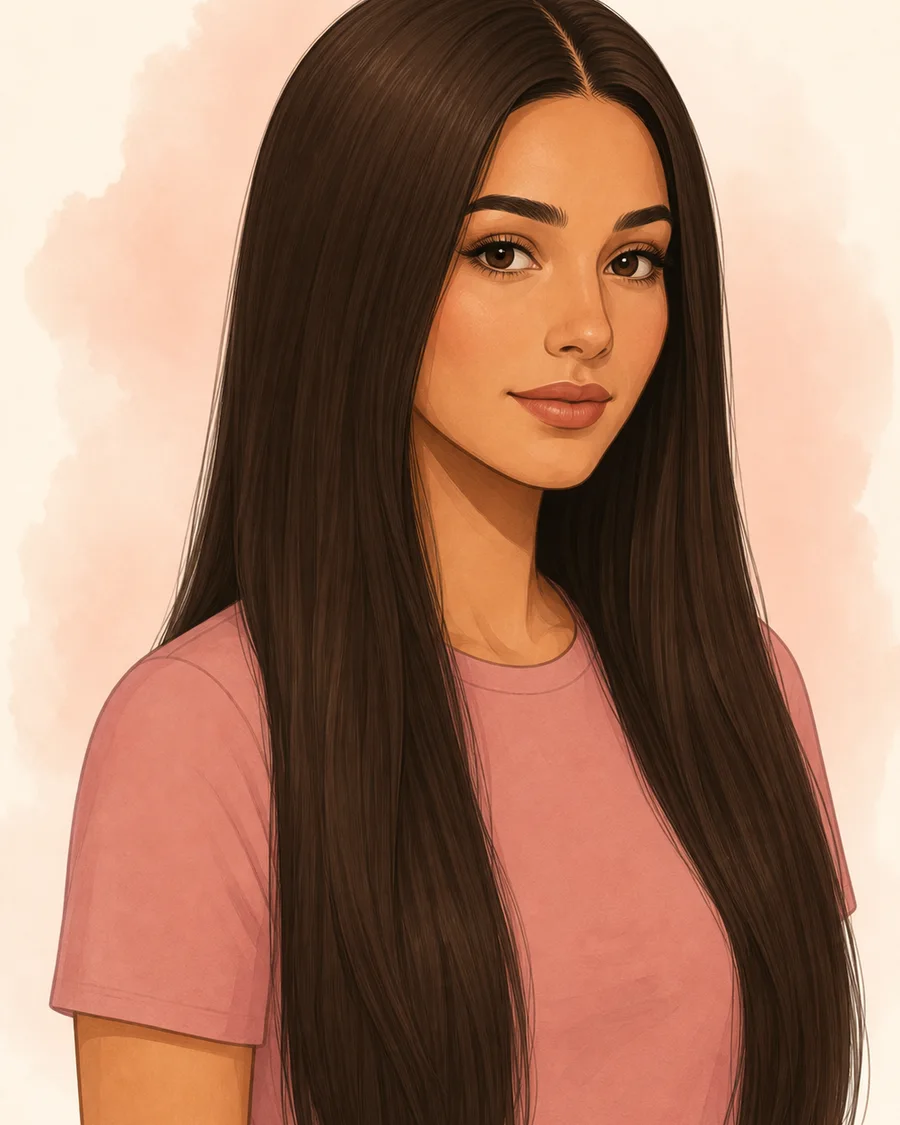
Butterfly Layers
Long perimeter with lifted face-framing layers
- Texture
- Straight · Wavy
- Maintenance
- Medium · 10–15 min
AI Hairstyle Try-On
Safe MatchYour free lookFresh Change1 creditBold Upgrade1 credit Paid alternatives are created only after you choose them.
Tap a face, pick a look. Your first try on your own photo is free.
Your photo is used only to create your requested preview. Originals are deleted within 24 hours.
Inclusive evidence
Browse AI hairstyle examples by length, texture, and upkeep. Preview results vary.
36 styles found
Memorable shapes with the routine kept visible
02AI-generated hairstyle exampleLong perimeter with lifted face-framing layers
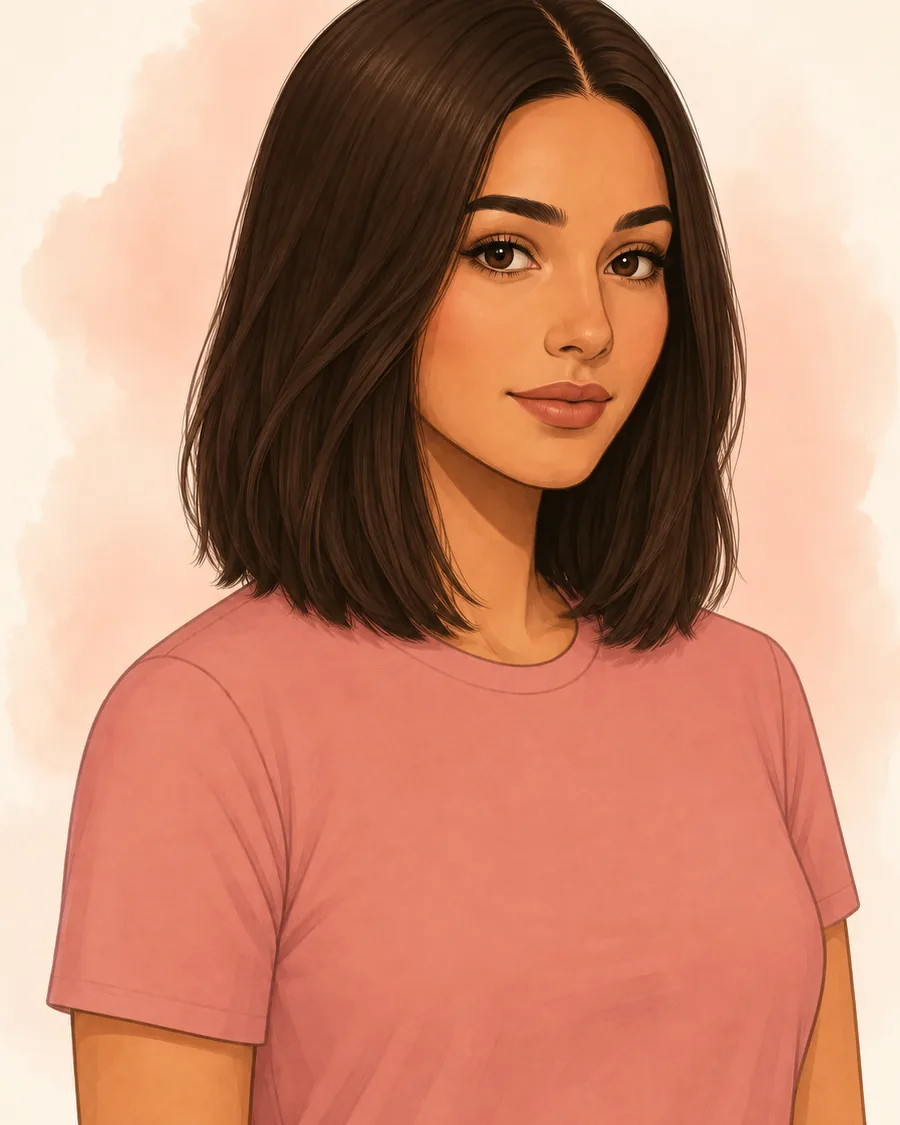
 03AI-generated hairstyle example
Open center framing without shortening the perimeter
 06AI-generated hairstyle example
Airy crown and broken, movable perimeter
 19AI-generated hairstyle example
Graphic chin-length box outline
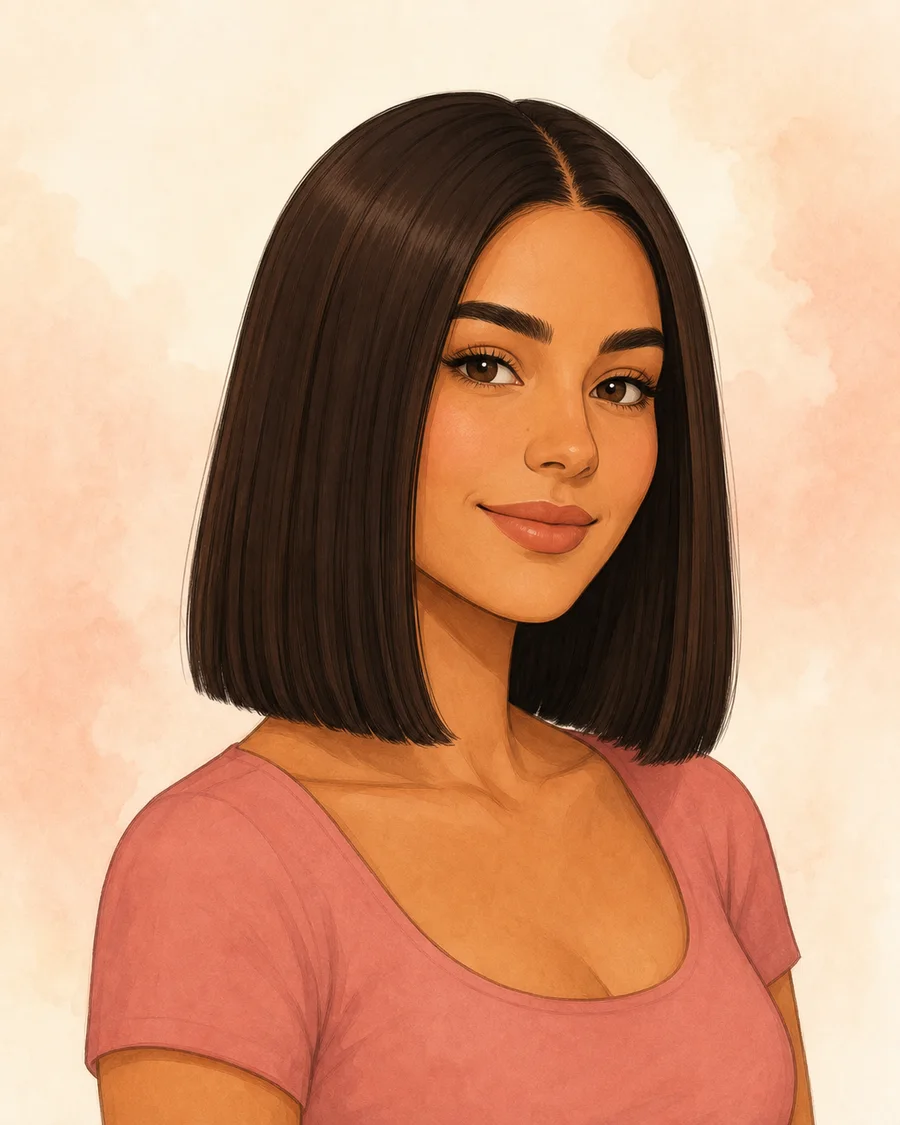 20AI-generated hairstyle example
Strong shoulder-skimming weight line
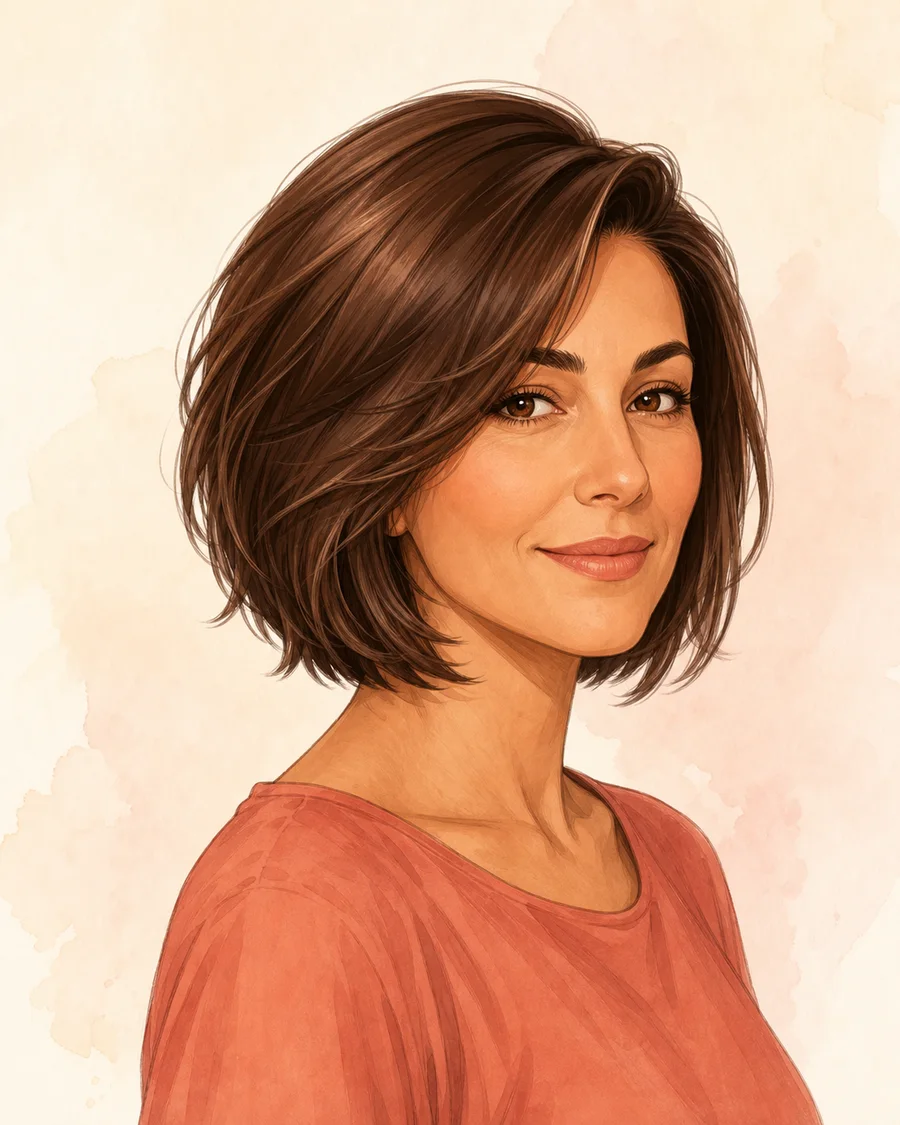 21AI-generated hairstyle example
Bob perimeter with internal movement
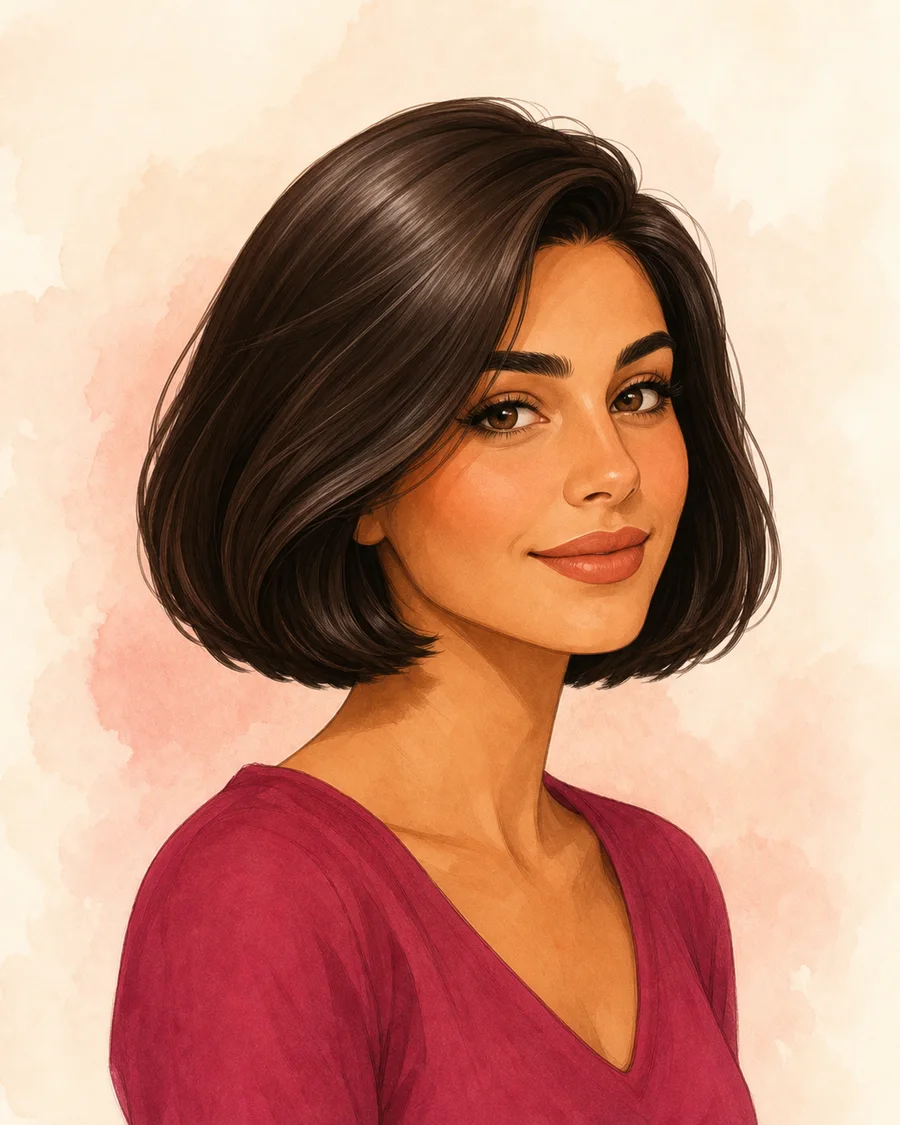 22AI-generated hairstyle example
Full chin-length body with a soft bend
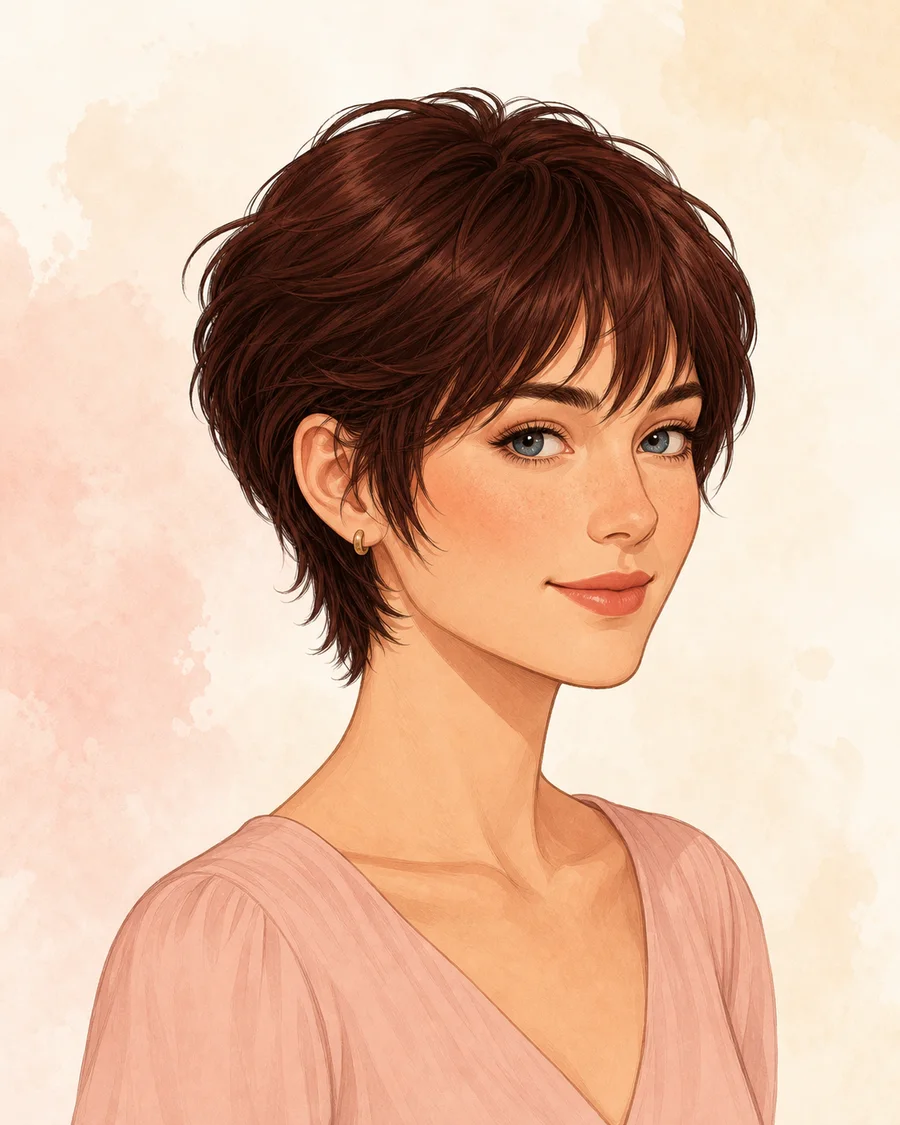 23AI-generated hairstyle example
Pixie lightness with short-bob softness
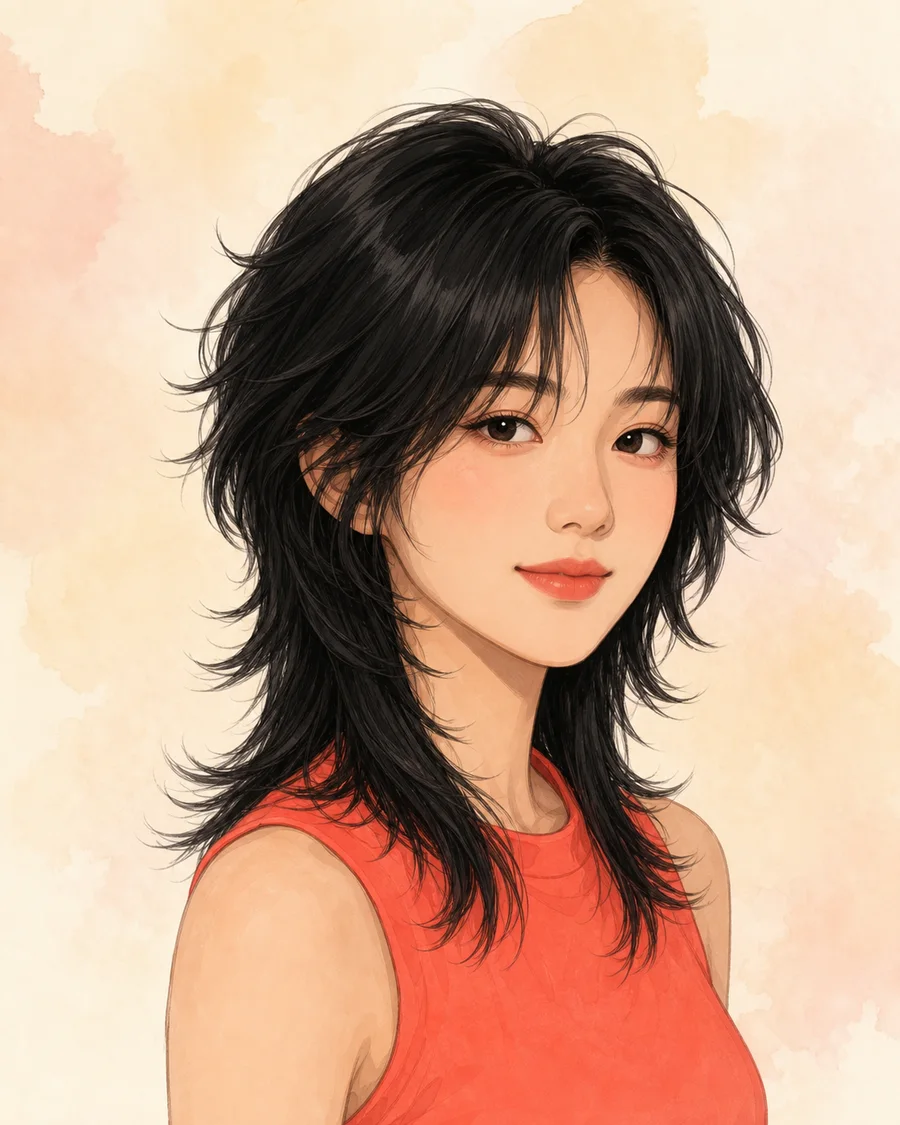 24AI-generated hairstyle example
Shorter crown, open face frame, longer broken perimeter
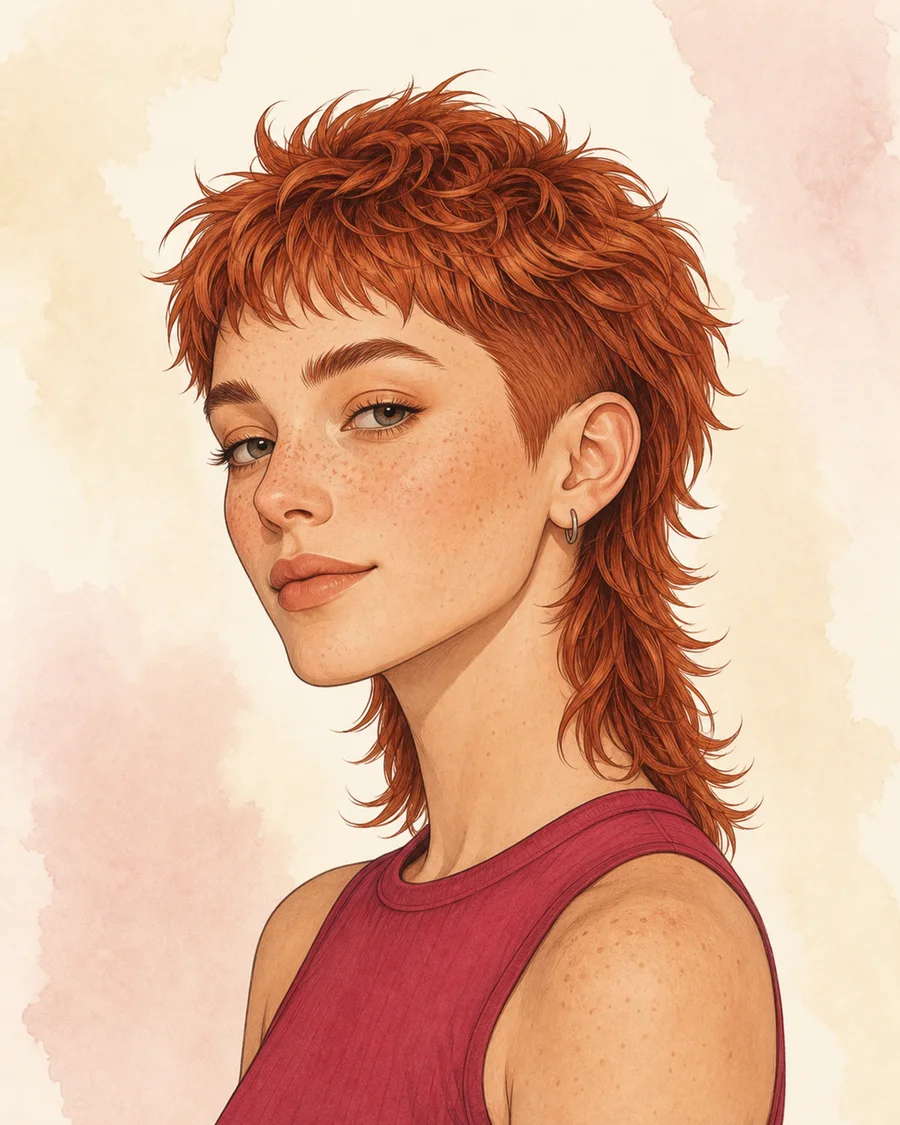 25AI-generated hairstyle example
Close side shape with deliberate back length
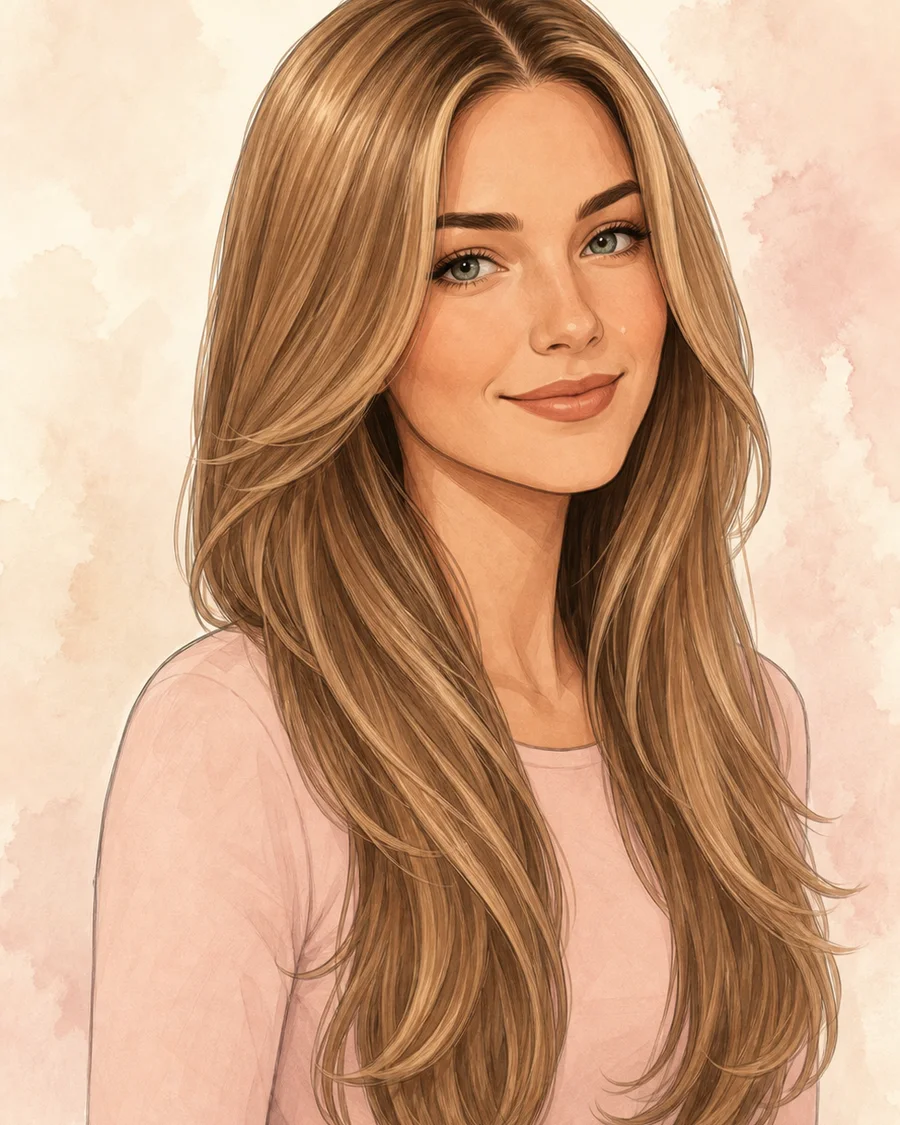 26AI-generated hairstyle example
Long glossy perimeter with controlled internal layers
 28AI-generated hairstyle example
Light, separated fringe over a soft layered shape
Clear silhouettes with less morning effort
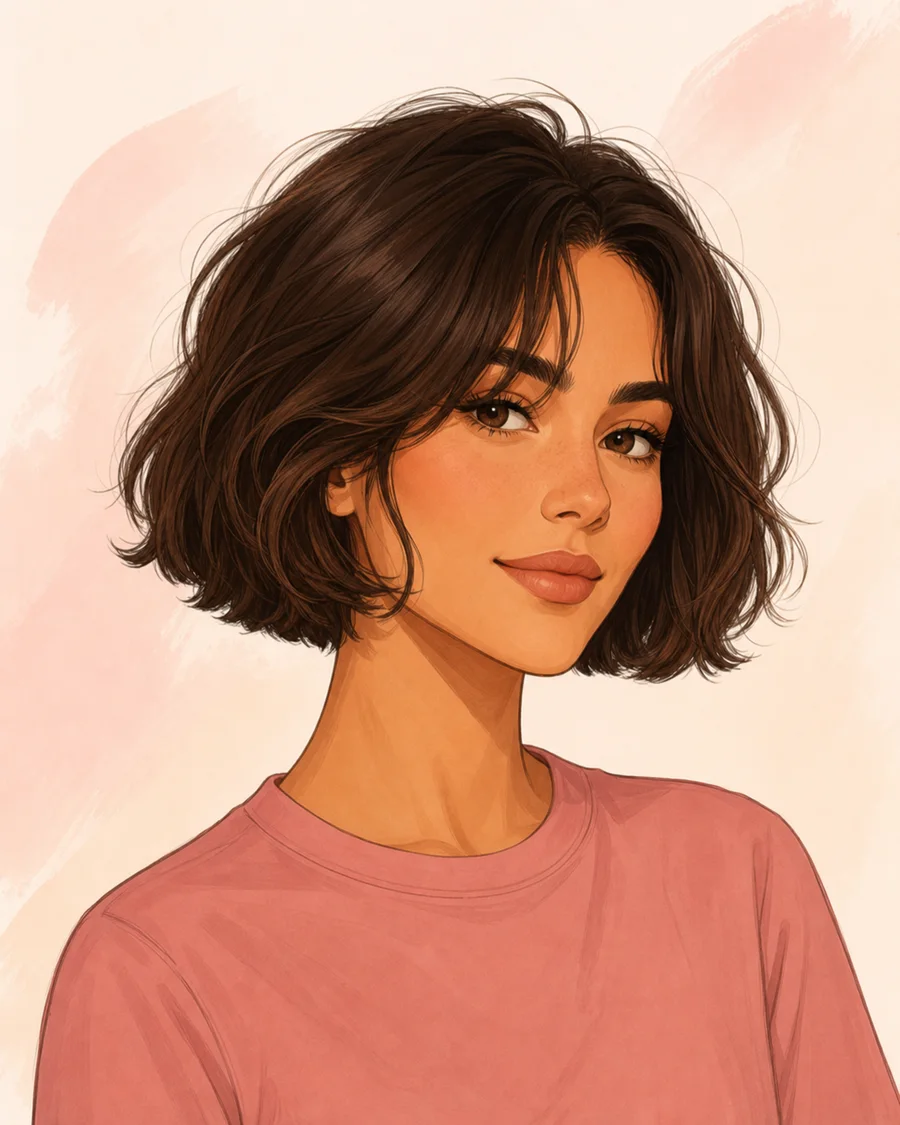 04AI-generated hairstyle example
Compact chin-length outline
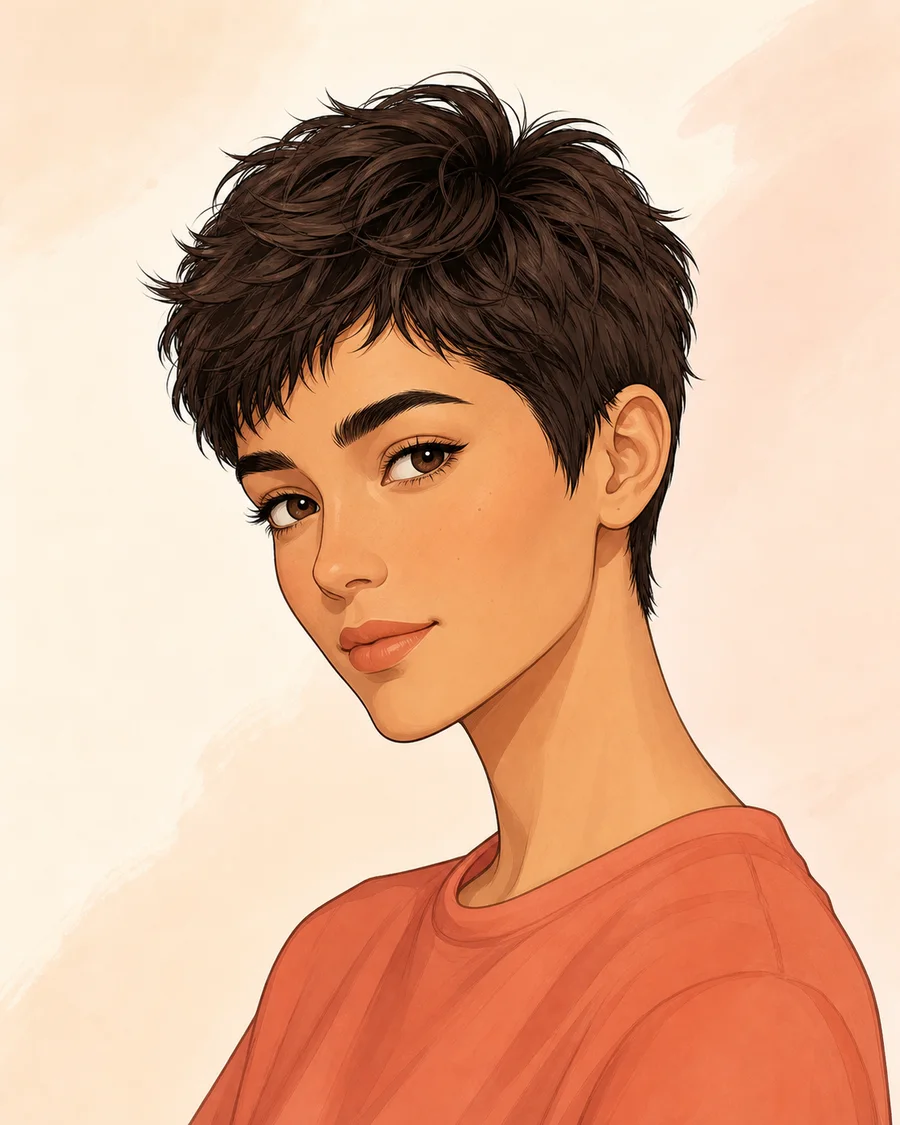 07AI-generated hairstyle example
Close sides with a soft, movable top
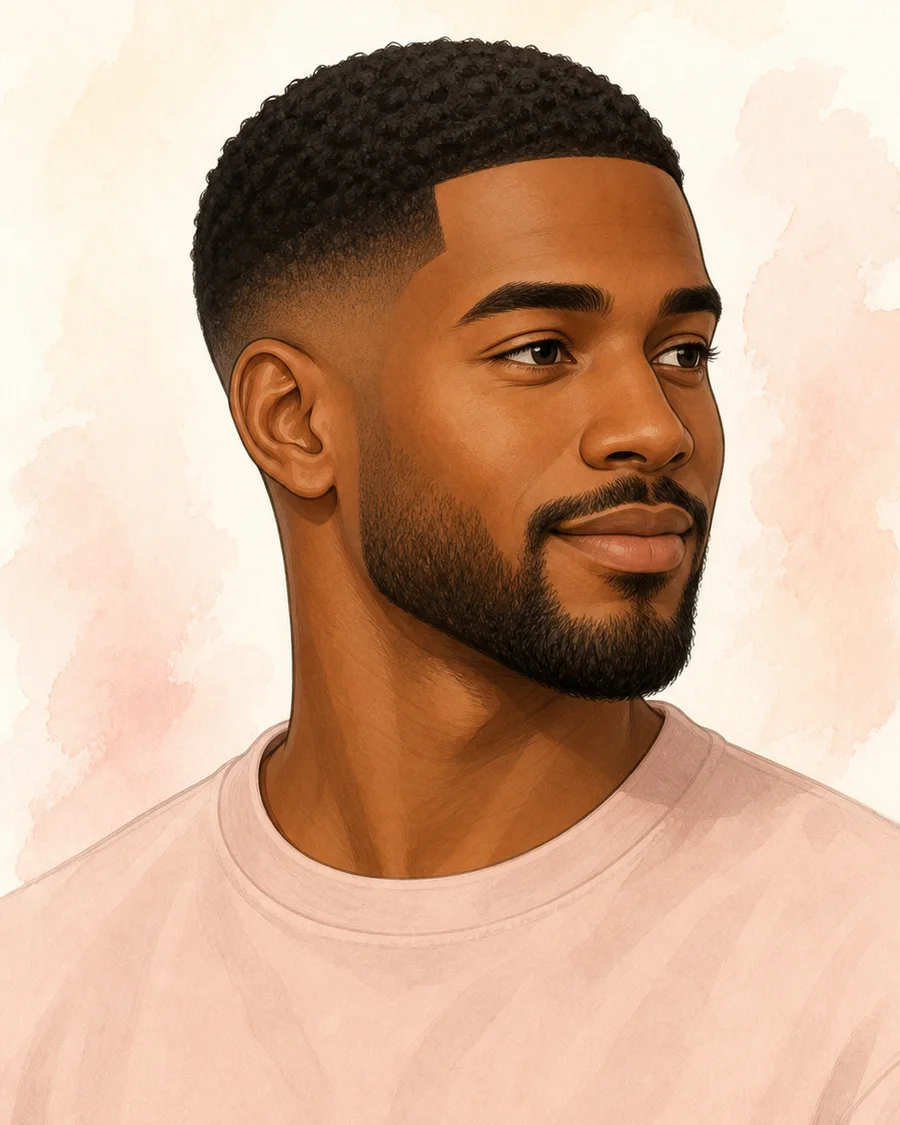 11AI-generated hairstyle example
Short top with a low, clean transition
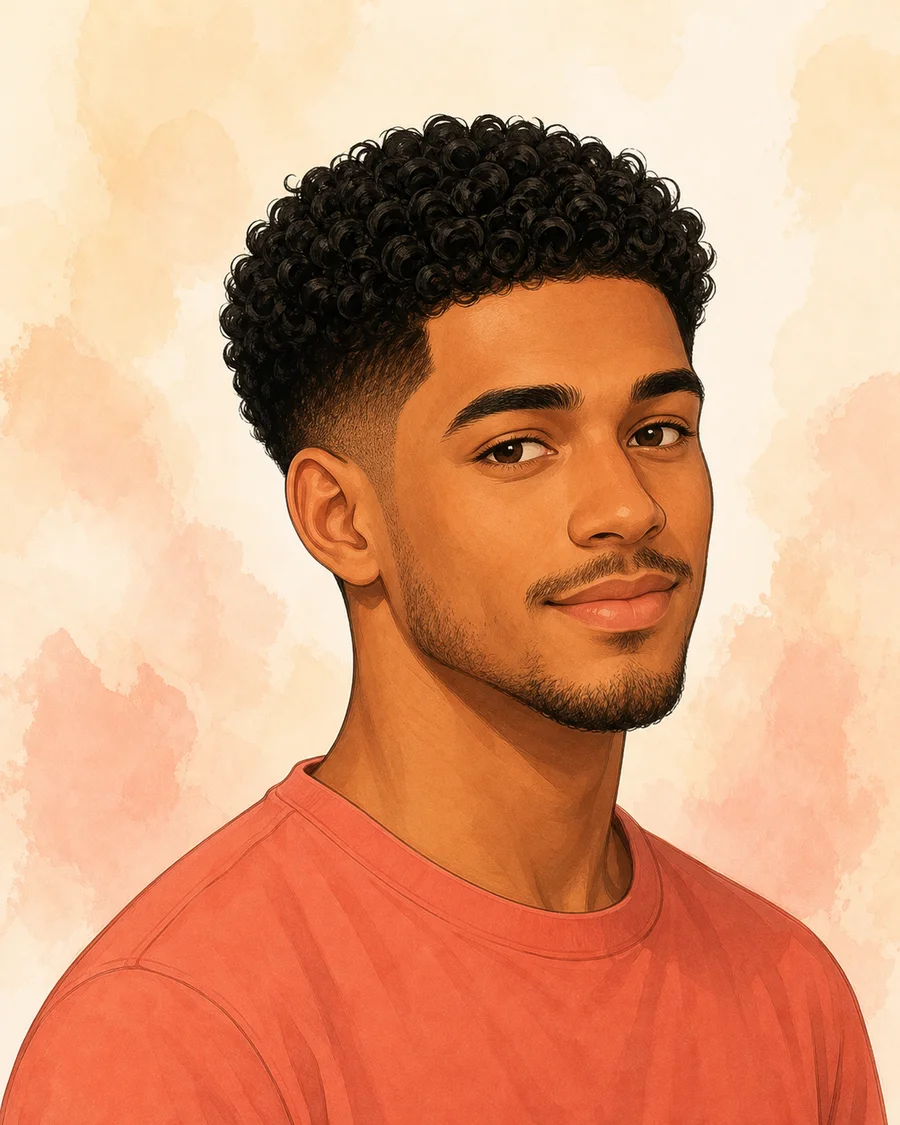 12AI-generated hairstyle example
Natural curl volume with a restrained taper
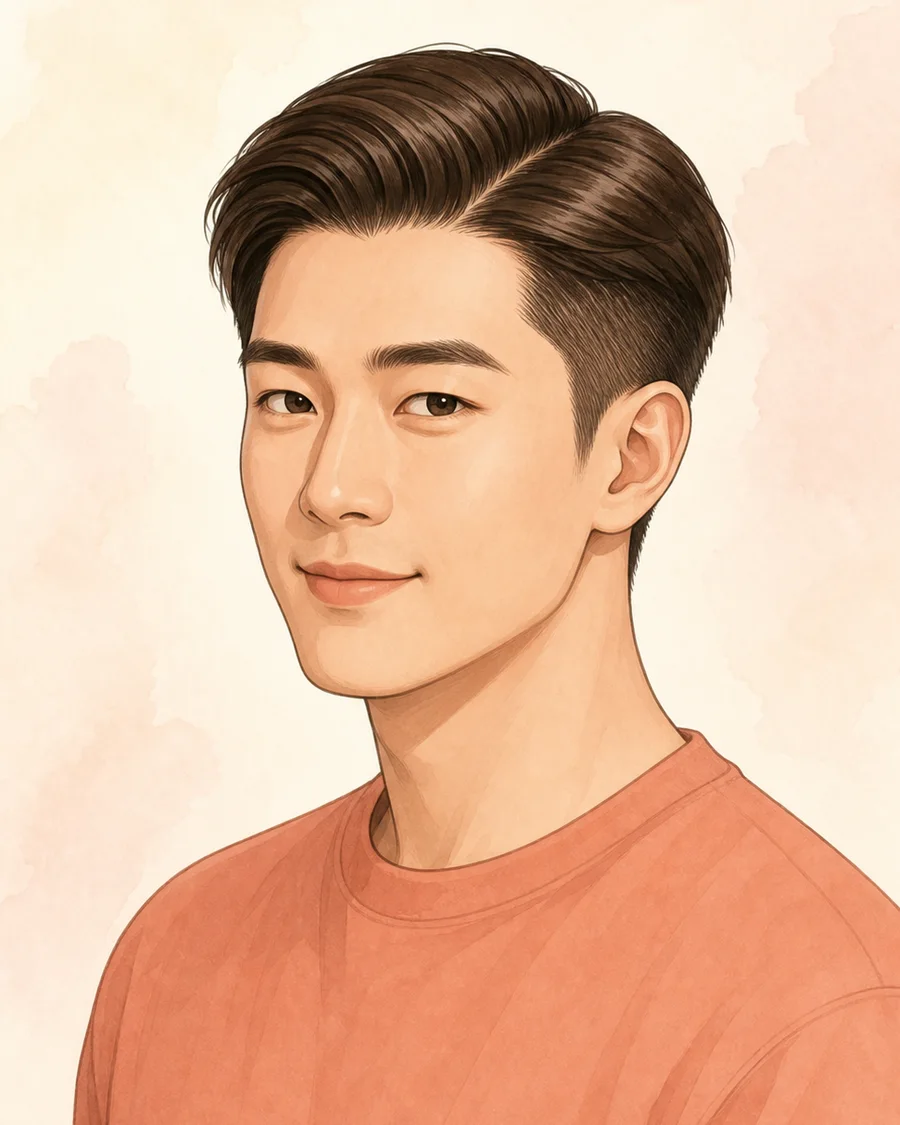 15AI-generated hairstyle example
Controlled short outline with a clean part
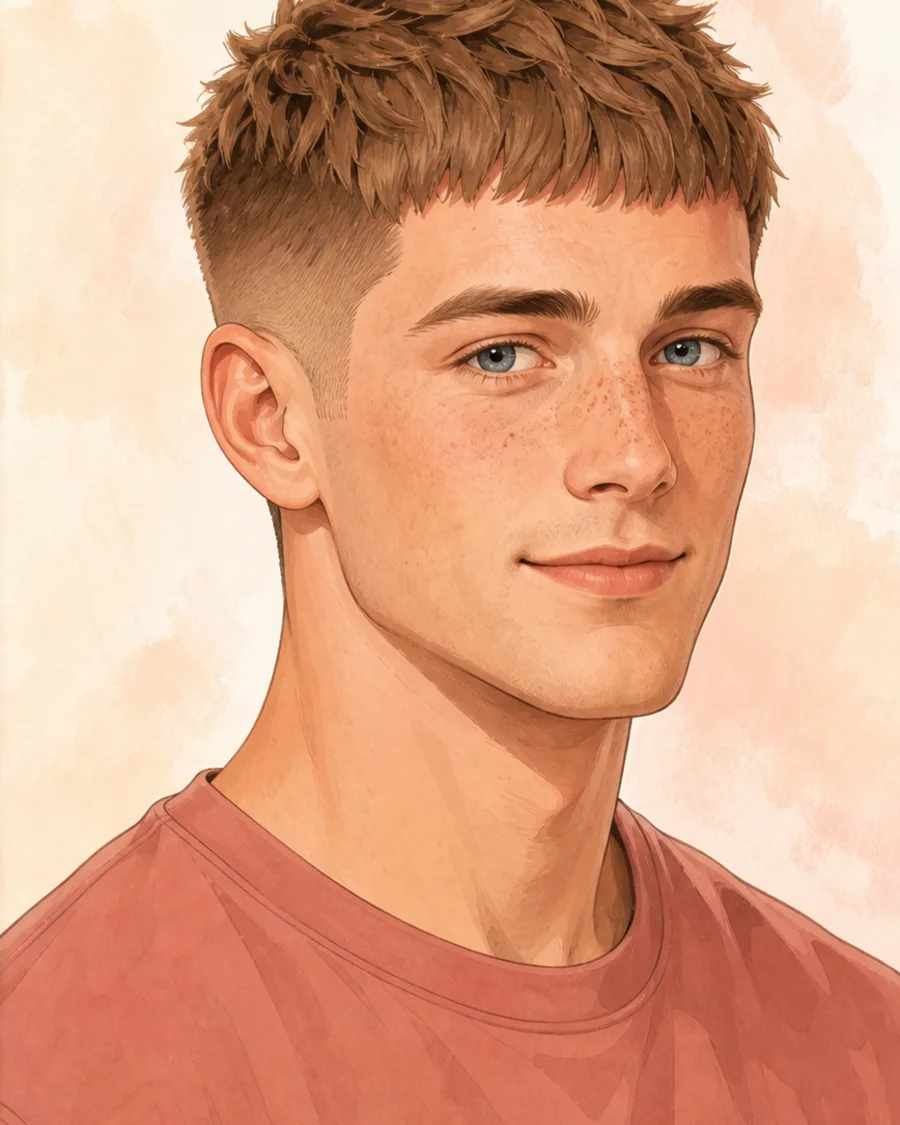 17AI-generated hairstyle example
Compact crop with broken top texture
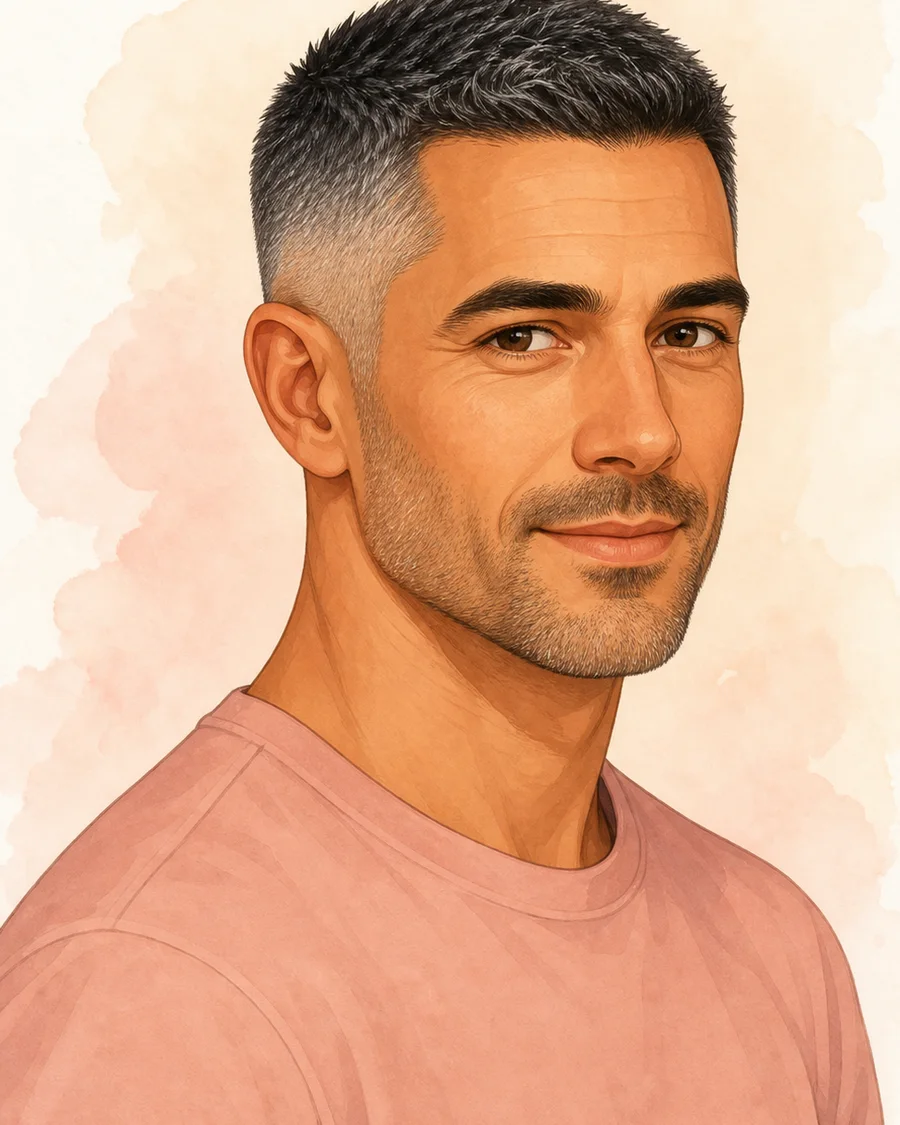 18AI-generated hairstyle example
Even short top with clean sides
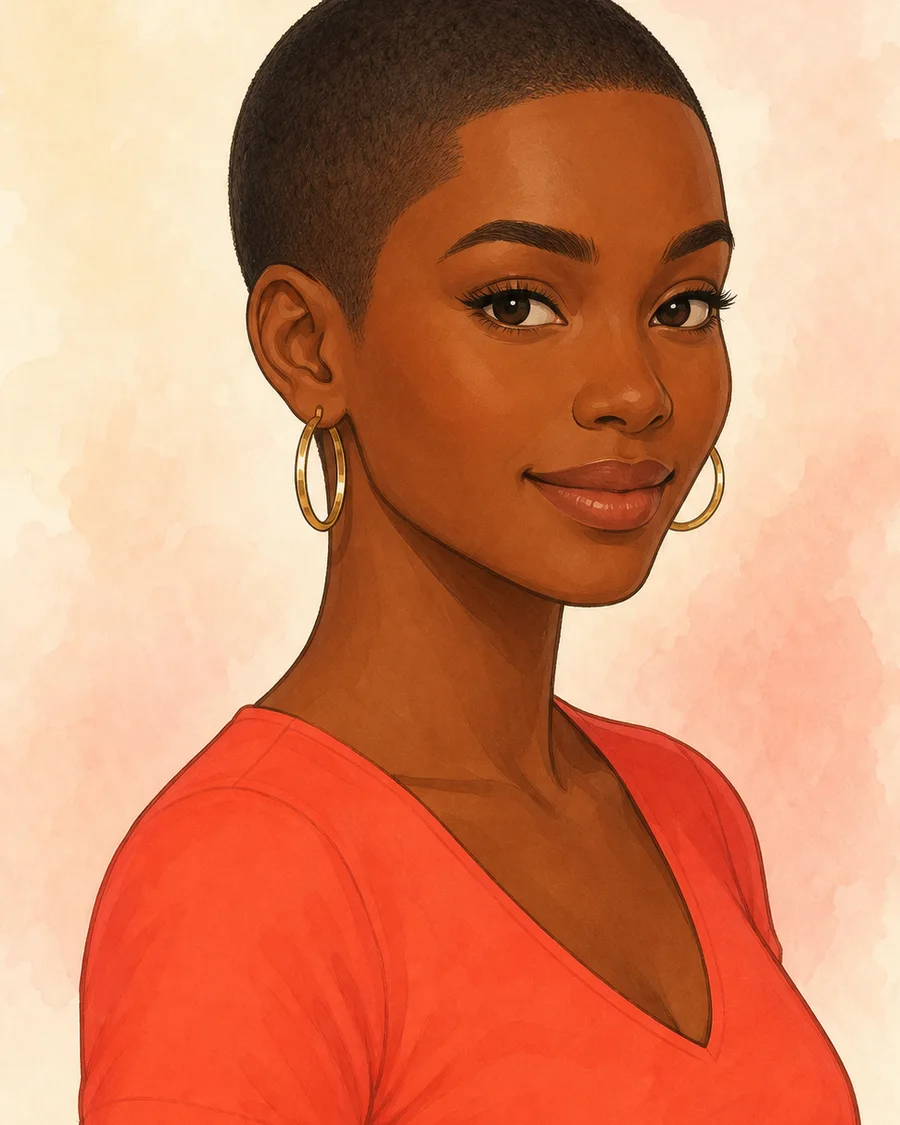 30AI-generated hairstyle example
Uniform close length that leaves the natural hairline visible
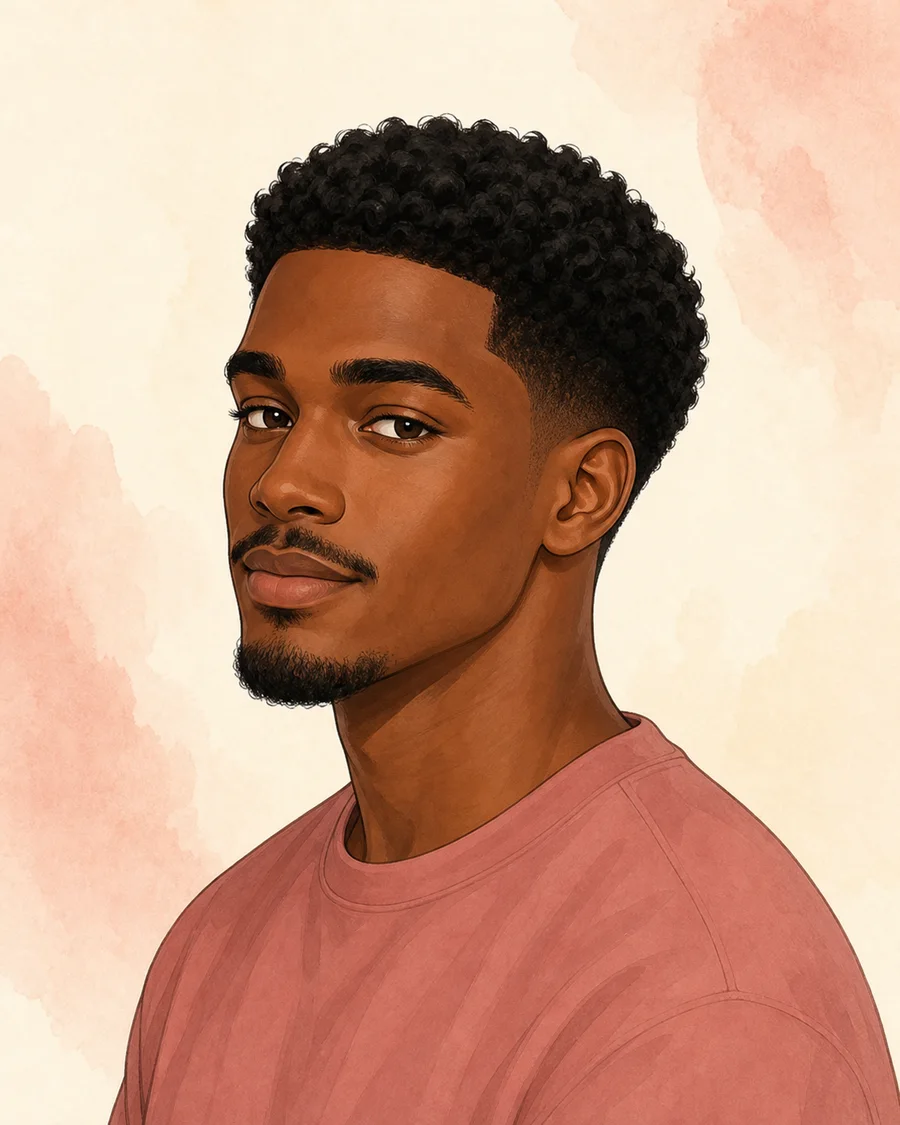 31AI-generated hairstyle example
Natural top with a low temple and nape taper
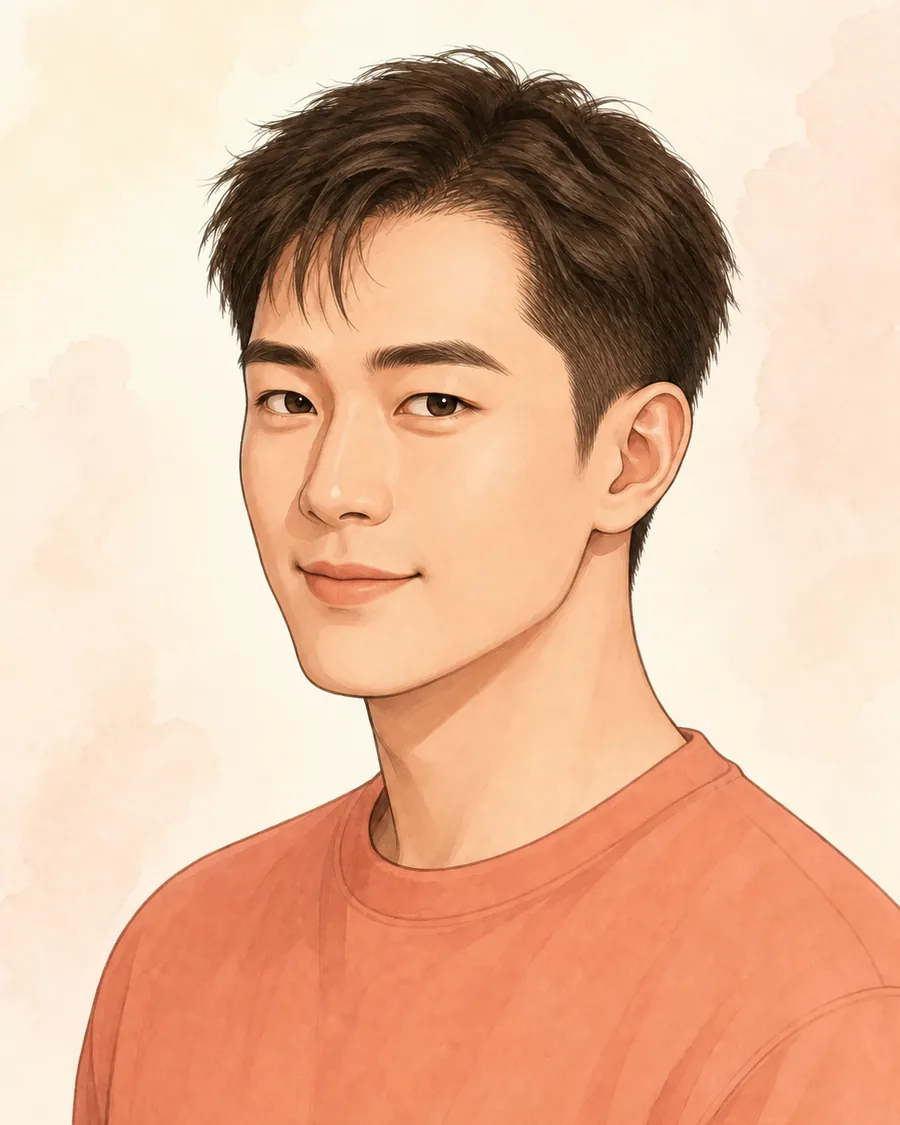
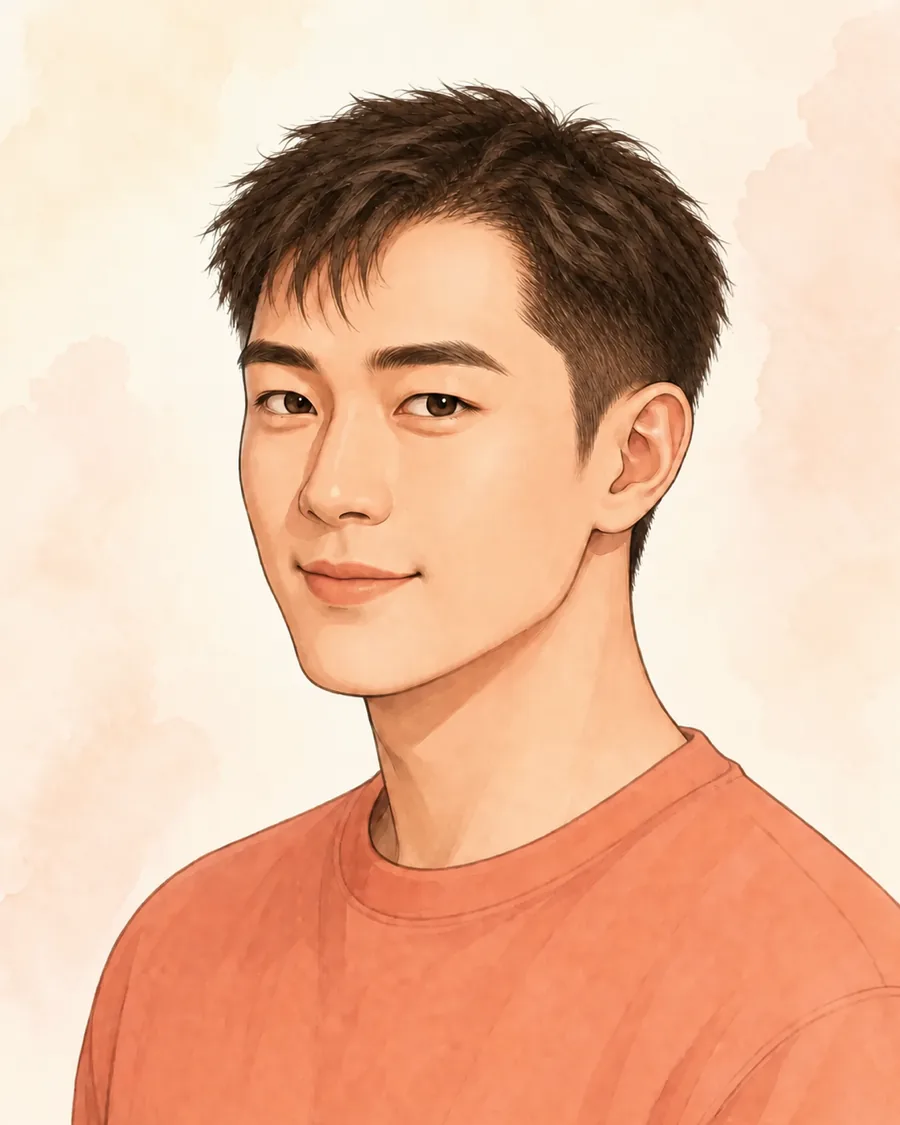
Evidence before advice
Start with a clear selfie, choose the amount of change and daily effort that feel realistic, then compare each result with its reasons and tradeoffs. You can correct a visible signal that looks wrong before choosing another preview or creating a Cut Card.
Try on hairstyles in three practical directions: the safest match, a fresher change, and a bolder upgrade. Compare how each cut frames your face, works with your natural texture, fits your daily routine, and grows out. These are directions to discuss with a stylist—not promises about a final salon result.
Try on hairstyles with your photo before you make a salon appointment. Upload one clear selfie to see an AI hairstyle preview and compare three haircut directions. Your first Safe Match preview is free; sign in before upload. HairFit explains likely tradeoffs and creates a Cut Card for your stylist.
Take it to the salon
A Cut Card turns the direction you prefer into practical notes about length, layers, fringe, texture, maintenance, and the questions your stylist still needs to answer. It helps you discuss a hairstyle clearly without treating an AI preview as a salon guarantee.
See the Cut Card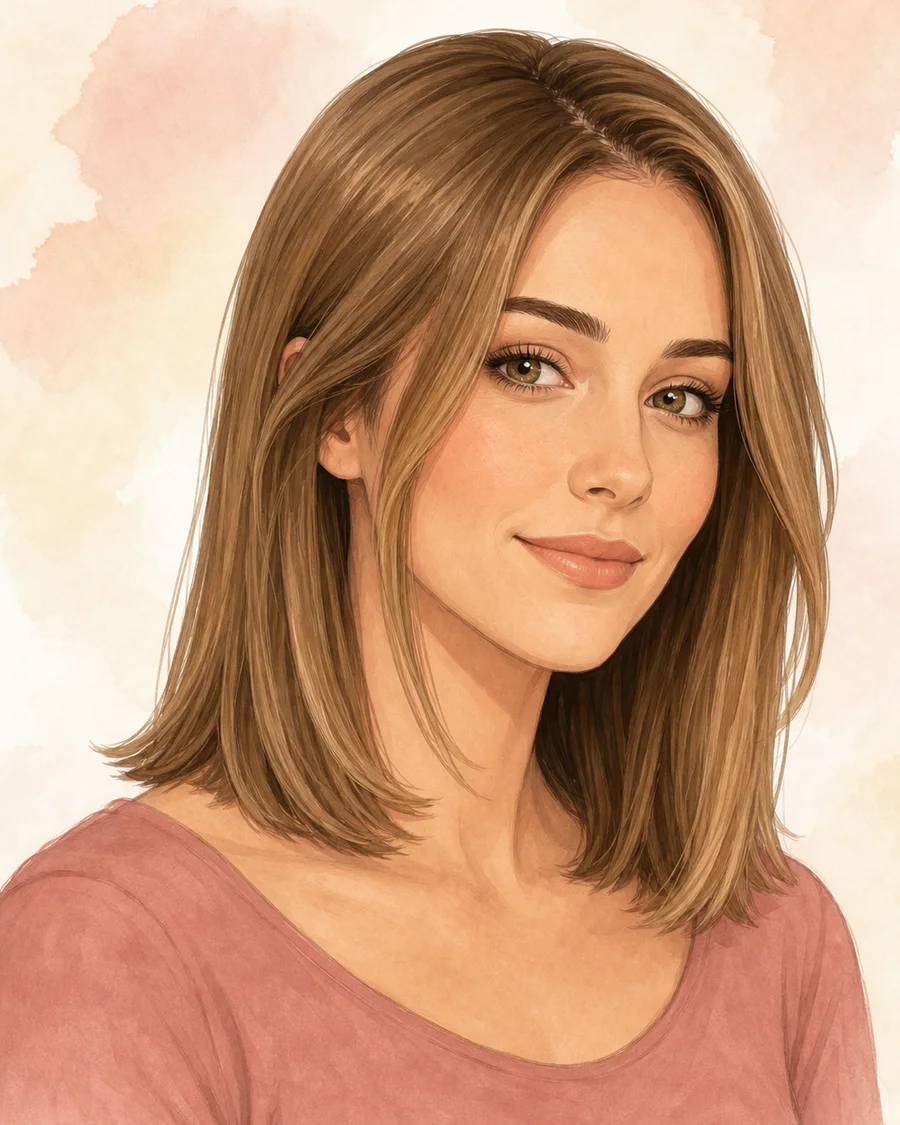
Cut Card · Textured collarbone bob
Clear limits make a useful preview easier to trust.
Yes. Sign in with Google and your account's first Safe Match preview is free; no card or subscription is required. The free preview belongs to your account, not to a device, and signing in before upload lets HairFit save your result securely.
Yes. HairFit helps you compare visual directions and likely tradeoffs before you book. It does not dictate a final cut; your stylist confirms what works with your current hair, texture, and density.
HairFit analysis uploads are scheduled for deletion within 24 hours; web results and share links expire after 30 days. HairTry mobile generation and provider retention are explained in our Privacy Policy.
Tap a face, pick a look. Your first try on your own photo is free.
Start a free previewOne free preview · No subscription · Delete anytime